The "Lazarus" Protocol: 3 Automated Plays to Resurrect Your Dead Database this Weekend
Key Takeaways
- Don't cold call, "Smart Call": Instead of dialing blindly, use email blasts as a "pulse check"—only have your AI call the leads who click the link, signaling active interest.
- Inbound is King: Use Ringless Voicemail drops to get your database to call you, but let an AI handle the answering so you never have to deal with "wrong numbers" or angry opt-outs.
- The Digital Fence: leads convert higher when they recognize you; use Custom Audience retargeting to show your ads only to your database so you appear everywhere before you ever make contact.
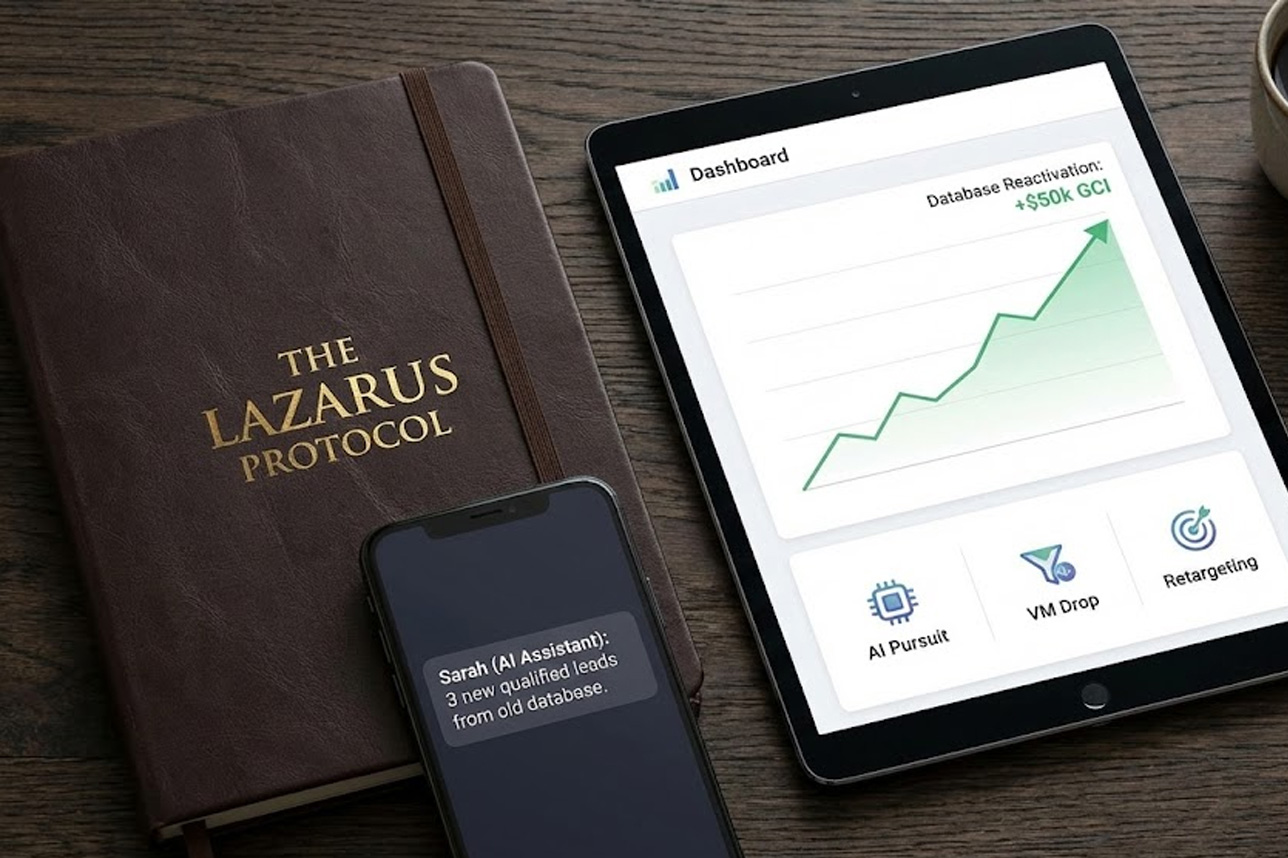
The "Lazarus" Protocol: 3 Automated Plays to Resurrect Your Dead Database this Weekend
Stop manual dialing. Here is how to use AI, Voicemail Drops, and Retargeting to squeeze $50k in GCI out of your old leads—without you lifting a finger.
The Million Dollar Graveyard
If I looked at your CRM right now, what would I see? Likely, a list of 500+ leads from 2023 and 2024 that you haven't spoken to in months. You call them "dead."
We call them a retirement fund.
The statistics are clear: Internet leads have a buying cycle of 6 to 18 months. The person who ghosted you last January wasn't ready then. But life has changed. They are ready now.
If you have 500 leads, and just 3% convert this year, that is 15 deals hiding in your hard drive. At $10k per commission, that is $150,000 in GCI.
But you aren't going to call them manually. It takes too long, and frankly, it's demoralizing.
You don't need to dial. You need to run a "Play."
Here are the three exact automated workflows we use to reactivate databases using the Communities infrastructure.
Play #1: The "Pulse Check" (Email + AI Pursuit)
The Goal: Use email as a filter to find the "living," then unleash the AI.
Calling 500 people cold is inefficient. Instead, we use a "Trojan Horse" email to identify who is active.
The Workflow:
- The Bait: You send a batch email with a high-value subject line like "Market correction in [City]" or "Your home valuation."
- The Trap: You don't look at who replies. You look at who clicks.
- The Strike: As soon as a lead clicks the link in the email, the Communities system triggers "Sarah" (your AI) to call them instantly.
The Script:
Why it works: You stop chasing ghosts. The AI only talks to people who are currently engaging with your content.
Play #2: The "Ghost Call" (VM Drop + Inbound AI)
The Goal: Turn cold outbound calls into warm inbound calls.
Most agents hate "Voicemail Drop" campaigns because their phone explodes with angry people asking, "Who is this??" We fixed that by putting the AI on the front line.
The Workflow:
- The Drop: You upload your list of "Dead" leads. The system drops a ringless voicemail directly into their phone inbox.
- The Recording: "Hey, it's [Agent Name], just cleaning up my files here... give me a quick call back when you get this." (Casual, vague).
- The Inbound: The lead sees the missed voicemail and calls back.
- The AI Shield: You do not answer. Sarah answers.
The Magic: Sarah picks up the phone 24/7.
- If the lead is angry ("Take me off your list"): Sarah politely removes them. You never hear it.
- If the lead is curious ("I got a call?"): Sarah pivots: "Yes, [Agent] asked me to reach out because we have some off-market inventory in [Postal Code]. Are you still looking to buy?"
Why it works: You generate hundreds of callbacks, but you only speak to the ones the AI has qualified as "Ready to go."
Play #3: The "Digital Fence" (Retargeting)
The Goal: Branding and Familiarity.
When the AI calls (in Play #1 or #2), the conversion rate doubles if the lead recognizes your face.
The Workflow:
- The Match: We upload your database into the Communities "Audience Builder." It matches your emails/phones to Facebook and Instagram profiles.
- The Surround Sound: We serve specific ads only to those people.
- The Content: These aren't "Sales" ads. They are "Authority" ads.
Ad 1: "Sold in [Postal Code] for $50k over ask."
Ad 2: A video of you walking through the neighbourhood.
Why it works: When Sarah calls them a week later, they don't think "Telemarketer." They think, "Oh, that's the agent I see everywhere in my feed."
Don't Just Store Data. Monetize It.
You can't execute these plays with a spreadsheet and a cell phone. You need a Command Center.
We want to give you the infrastructure to run these plays this weekend.
Here is your plan:
- Check Territory Status: Ensure your Postal Code is "Green" (Available) in our registry.
- Unlock the Command Center: Claim your 30-Day Free Trial of the Communities CRM.
- Run the Plays:
- Import your CSV file.
- Visualize your leads on the Territory Map.
- (Optional Upgrade): Turn on "Sarah" and the "Ad Tap" to execute the Voicemail Drops and Retargeting automatically.
The CRM is yours to use for 30 days. Organize your list, map your farm, and see what "Territory Ownership" looks like.
(Note: Territory rights are first-come, first-served. If your area is Red, we cannot unlock the trial for that zone.)